

◇ 線分入力 > 木製壁

オペレーションマップ
意匠データ入力操作
【基本(I)メニュー】 > 〔線分入力〕 > 木製壁
◆ 「木製壁」では、地階において外周壁を木製壁にしたい場合に指示します。
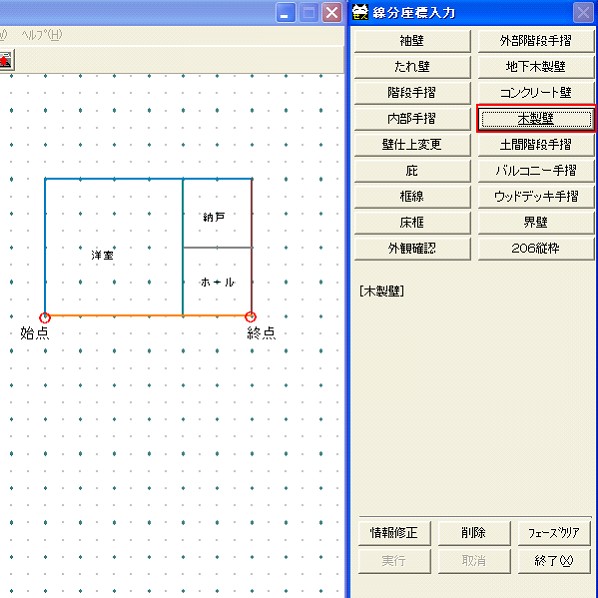
線分入力メニューから、『木製壁』を選択しますと下記の画面が表示されます。

木製壁

[木製壁]をクリックし始終点により入力を行います。
地階の外周壁は、指示のない場合にはコンクリート壁で作成されます。

入力手順は下記の通りです。

木製壁1

This website stores cookies on your computer. These cookies are used to provide a more personalized experience and to track your whereabouts around our website in compliance with the European General Data Protection Regulation. If you decide to to opt-out of any future tracking, a cookie will be setup in your browser to remember this choice for one year.

Accept or Deny


最後までご覧いただきありがとうございます。
今後ともご支援よろしくお願い申し上げます。
